

In today’s digital age, a secure home Wi-Fi network is as essential as a good cup of coffee on a Monday morning. With cyber threats lurking around every corner, leaving your Wi-Fi unprotected is like leaving your front door wide open while inviting hackers in for tea. It’s time to take charge and safeguard your online sanctuary.
Understanding Secure Home Wifi
Securing a home Wi-Fi network is essential for protecting personal information and devices. Many people underestimate the importance of Wi-Fi security, often leaving their networks vulnerable to cyber threats.
Importance of Wifi Security
Wi-Fi security safeguards personal information, reducing the risk of data breaches. Increased dependency on smart devices heightens the need for protection. Cybercriminals target poorly secured networks to access sensitive details like passwords and financial data. Secure networks help in preventing unauthorized access and mitigate potential identity theft. Regularly updating security protocols can greatly enhance protection measures. Maintaining a secure Wi-Fi network is a crucial aspect of digital safety in today’s interconnected world.
Common Threats to Home Networks
Several common threats expose home networks to significant risks. Unauthorized access occurs when hackers gain entry to unprotected Wi-Fi networks. Malware infiltration can damage devices and compromise data. Phishing attacks trick users into revealing personal information through fake websites or emails. Denial-of-service attacks overwhelm networks, causing service disruptions. Understanding these threats helps homeowners take preventive measures. Increased awareness about these risks enables proactive security tactics that minimize vulnerabilities.
Best Practices for Secure Home Wifi
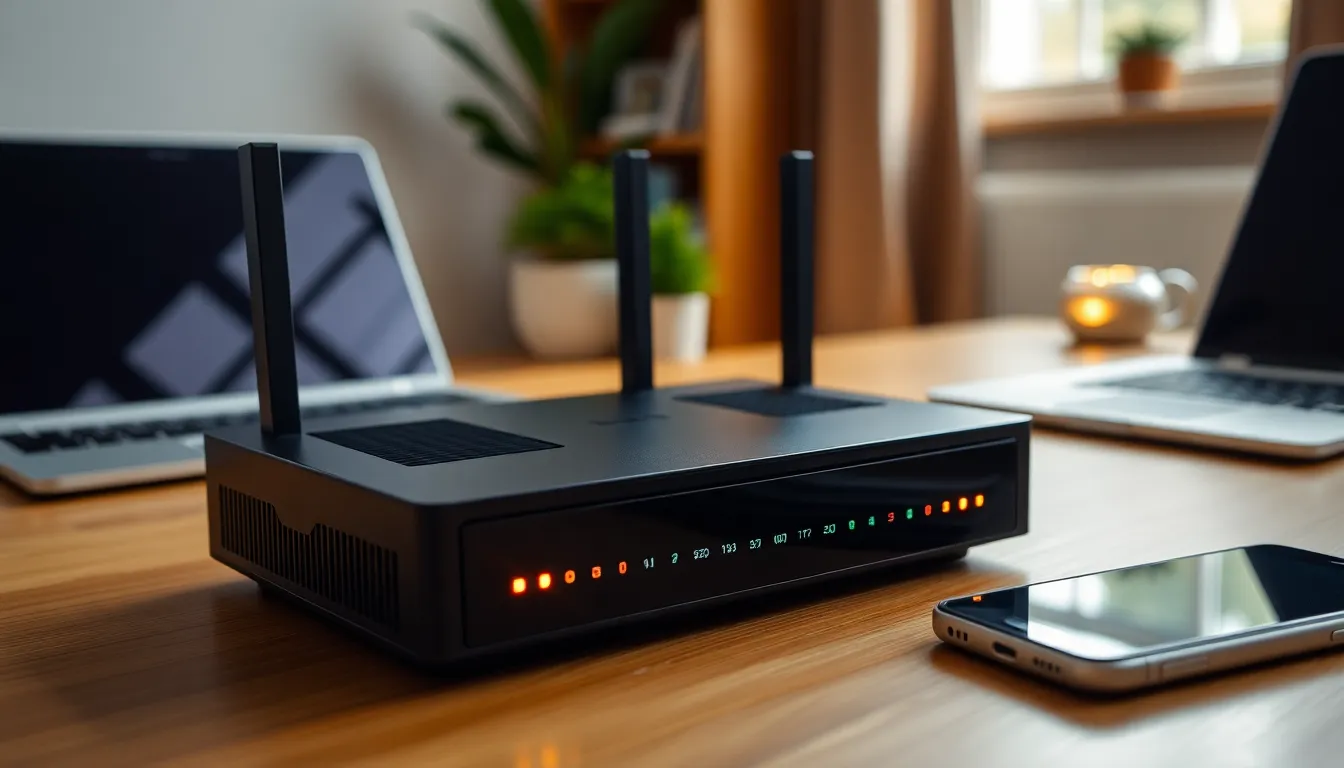
Protecting a home Wi-Fi network requires implementing effective strategies. Following best practices enhances digital safety significantly.
Strong Passwords and Encryption
Utilizing strong passwords prevents unauthorized access to networks. Passwords should contain at least 12 characters and include uppercase letters, lowercase letters, numbers, and special symbols. Changing default passwords on routers also strengthens security. Assigning unique passwords for different devices adds another layer of protection. In addition, enabling WPA3 encryption provides robust security for the Wi-Fi network. This encryption standard offers better data protection against cyber threats. Regularly updating passwords, especially if a breach is suspected, enhances overall network security.
Regular Firmware Updates
Regular firmware updates play a crucial role in safeguarding routers. Manufacturers often release updates to address vulnerabilities and improve performance. Checking for firmware updates monthly ensures devices remain protected against known threats. Many routers allow automatic updates, simplifying this process. Outdated firmware may expose networks to attacks, making updates essential. Users should review their router’s documentation for specific update procedures. All these actions collectively contribute to a secure home network environment, protecting sensitive information effectively.
Tools and Technologies for Enhancing Wifi Security
Various tools and technologies exist to strengthen home Wi-Fi security. Implementing these resources can significantly reduce vulnerability to cyber threats.
Firewalls and VPNs
Firewalls act as barriers between home networks and potential threats. They monitor incoming and outgoing traffic, blocking harmful transactions. Utilizing a Virtual Private Network (VPN) encrypts internet connections, safeguarding data from eavesdropping. VPNs mask IP addresses, making it tougher for hackers to target individual devices. Both firewalls and VPNs enhance privacy and ensure secure online activities. Choosing reputable firewall software and reliable VPN services amplifies protection against external intrusions.
Network Monitoring Tools
Network monitoring tools track device activity on Wi-Fi networks. They identify unusual behavior, alerting users to potential security breaches. These tools analyze data traffic patterns, helping spot unauthorized access attempts and malware infections. Regular monitoring keeps networks secure by maintaining awareness of connected devices. Implementing solutions like intrusion detection systems (IDS) can quickly identify threats before they cause significant damage. Proactively using network monitoring tools supports stronger surveillance and enhances overall network integrity.
Troubleshooting Common Wifi Security Issues
Homeowners often encounter various challenges that compromise Wi-Fi security. Addressing common issues promptly ensures a more secure network experience.
Identifying Unrecognized Devices
Recognizing unrecognized devices on a network is crucial for maintaining security. A homeowner should regularly check the list of connected devices within the router settings. Notifications about unknown devices signal a potential threat. Many routers feature user-friendly interfaces that simplify this process. Checking for unfamiliar MAC addresses serves as a key step in identifying unauthorized access. If an unknown device appears, users must take immediate action to block access and change passwords. Reporting any suspicious activity to the Internet Service Provider (ISP) further enhances security.
Resolving Network Vulnerabilities
Resolving network vulnerabilities strengthens overall security. Conducting regular security audits identifies weaknesses in the network. Regularly changing passwords ensures protection against unauthorized access. Using network security tools can also identify vulnerabilities and recommend fixes. Keeping firmware updated plays an essential role in mitigating risks from known exploits. Most routers provide notifications for available updates, making this process easier. Additionally, enabling firewalls enhances protection against external threats. Sufficiently addressing vulnerabilities creates a safer environment for all connected devices.
Securing a home Wi-Fi network is no longer optional; it’s essential for protecting personal information and devices. By implementing strong passwords and encryption, homeowners can significantly reduce their risk of falling victim to cyber threats. Regularly updating firmware and monitoring connected devices further enhances security.
Utilizing tools like firewalls and VPNs adds an extra layer of protection, ensuring privacy and safeguarding online activities. Addressing potential vulnerabilities promptly helps maintain a secure network environment. With these proactive measures, homeowners can enjoy the benefits of a connected lifestyle while keeping their sensitive data safe from prying eyes.