
In today’s world, a strong home network is as essential as coffee on a Monday morning. Whether it’s streaming the latest binge-worthy series or video calling grandma, a reliable connection keeps everything running smoothly. But let’s face it, setting up a home network can feel like trying to assemble IKEA furniture without the instructions—confusing and slightly terrifying.
Understanding Home Networking Setup
A strong home networking setup is vital for seamless digital experiences. A reliable connection supports streaming, gaming, and video calls without interruption.
Importance of Home Networking
Home networking provides essential connectivity for multiple devices. It helps in sharing resources, like printers, among all users. High-speed internet access enhances productivity for remote work, online learning, and entertainment. Reliable networks ensure uninterrupted streaming on platforms such as Netflix and YouTube. Significant benefits include improved security through firewalls and VPNs, safeguarding sensitive data. Users experience fewer disconnections and latency issues. Optimized networks also accommodate smart home devices, enhancing convenience and automation.
Common Terminology
Understanding common terminology simplifies home networking setup. Router is the device connecting multiple devices to the internet. Modem converts signals from the ISP into a usable internet connection. Wireless access point extends the network range for better coverage. IP address identifies each device within the network. Bandwidth describes the data transfer rate, affecting speed and responsiveness. Segmenting networks improves performance by separating data traffic. Firmware refers to software updates that enhance device functionality and security. Knowing these terms aids in effective communication and troubleshooting during setup.
Essential Components of Home Networking
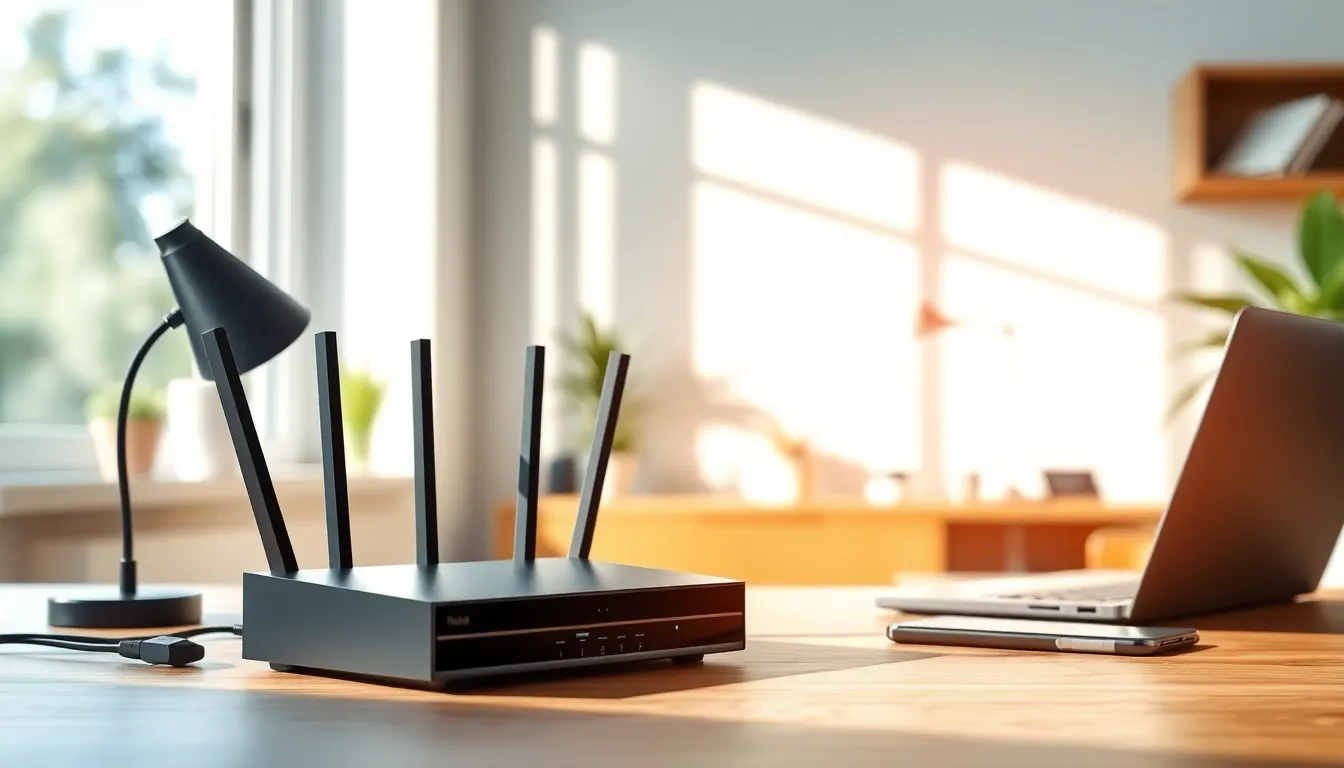
Essential components form the backbone of any home networking setup. A well-equipped network ensures efficient connectivity and seamless performance across devices.
Routers and Modems
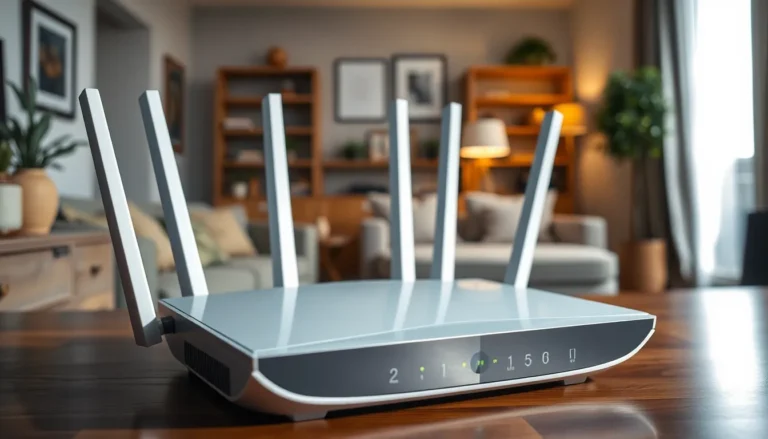
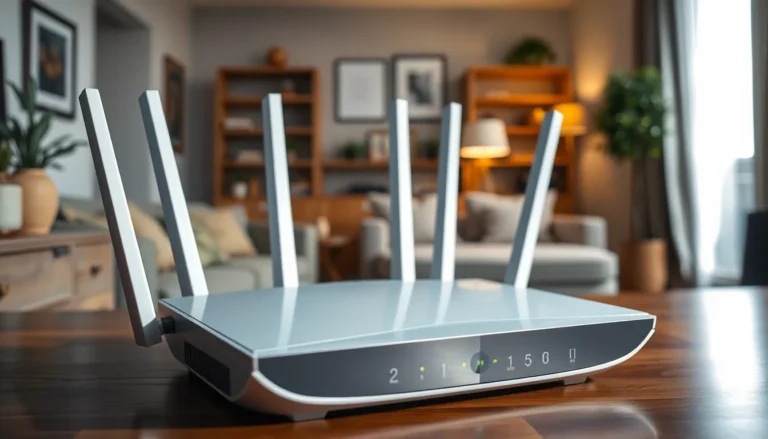
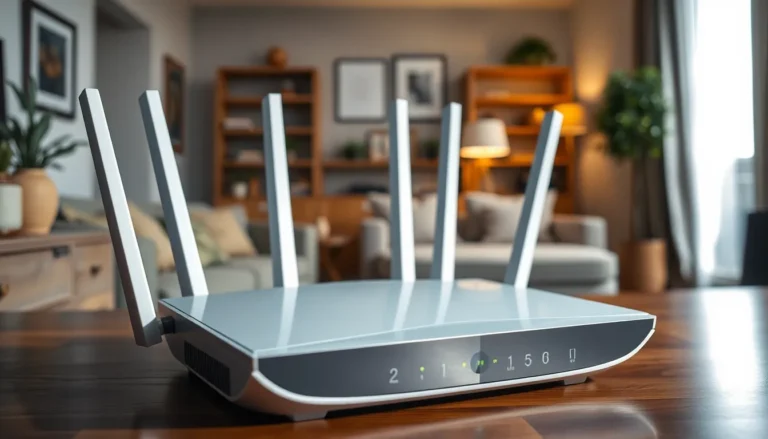
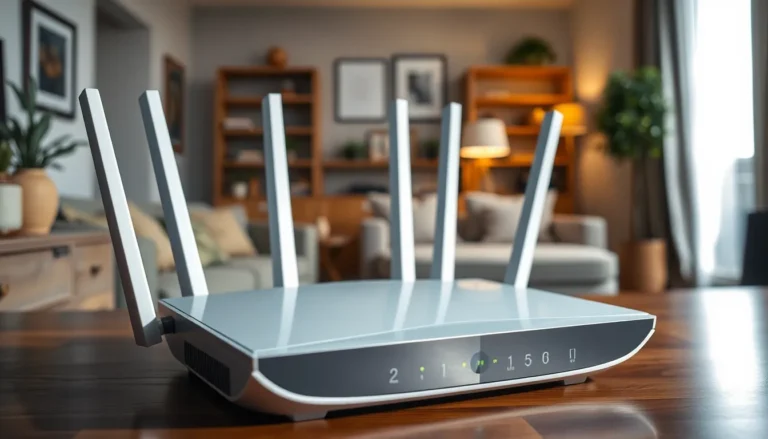
Routers and modems serve crucial functions in home networking. A modem connects to the internet service provider, while a router distributes that connection to multiple devices. Many households use a combination device known as a gateway, which integrates both functionalities. Important specifications, like download speeds and compatibility with ISP technologies, impact overall performance. High-quality routers can manage bandwidth effectively, providing stable connections for streaming, gaming, and video calls.
Switches and Hubs
Switches and hubs improve connectivity within networks. A switch efficiently directs data to specific devices using MAC addresses, enhancing speed and security. Hubs, on the other hand, broadcast data to all devices, which may reduce efficiency. Modern networks favor switches due to better performance in data handling. Both serve to expand network capacity, allowing multiple devices to connect while maintaining high speeds.
Wireless Access Points
Wireless access points extend network coverage throughout the home. These devices provide Wi-Fi connectivity to areas where the router signal may be weak. Positioning access points strategically ensures seamless internet access in larger spaces, enhancing user experience. Some models support advanced features like dual-band connectivity and guest networks, which further optimize performance. Choosing the right access point can significantly influence the overall quality of a home network.
Steps to Setting Up Your Home Network
Setting up a home network involves multiple steps to ensure optimal performance. Each stage contributes to creating a reliable and efficient digital environment.
Planning Your Network Layout
Identifying device locations is crucial for effective setup. Determining where devices will connect helps minimize dead zones. Supplement with a network diagram for clarity. Consider factors like wall thickness and interference from appliances when positioning components. Coverage should encompass all areas where internet access is needed.
Connecting Your Devices
Connecting devices starts with the modem and router. First, use Ethernet cables for any stationary devices, such as desktops or gaming consoles, for a stable connection. Second, connect devices wirelessly by entering the network’s SSID and password. Additionally, include smart home devices to expand functionality. Always ensure that connections follow the manufacturer guidelines for optimal performance.
Configuring Network Settings
Configuring settings enhances security and performance. Access the router’s admin panel using a web browser. Change the default username and password to protect against unauthorized access. Set the Wi-Fi security to WPA3 if available, as it offers stronger encryption. Adjust the channel settings to reduce interference from neighboring networks. Prioritizing devices with QoS settings ensures that bandwidth is allocated effectively, especially during high-demand activities.
Troubleshooting Common Issues
Home networking setups can face several issues. Identifying and resolving these problems enhances connectivity and ensures better performance.
Connectivity Problems
Connectivity issues often result from faulty hardware or configuration errors. Restarting the modem and router can resolve many common problems. When signals drop suddenly, checking for interference from other devices plays a crucial role. Wireless connections might also benefit from relocating the router to a central location. Testing different bands, like 2.4 GHz and 5 GHz, helps determine the most stable connection. Using an Ethernet cable for stationary devices can significantly stabilize connections. If problems persist, examining device settings or consulting the user manual may provide additional insights.
Slow Internet Speeds
Slow internet can frustrate users during streaming or gaming. Checking the number of connected devices is vital since excessive connections may strain bandwidth. Adjusting Quality of Service settings prioritizes devices used for high-demand applications. Upgrading to a higher-speed internet plan might be necessary if speeds remain insufficient. Additionally, running a speed test aids in measuring current performance, guiding appropriate adjustments and troubleshooting steps. Lastly, removing unnecessary devices from the network can enhance overall speed.
Security Concerns
Security issues present serious risks to home networks. Changing default credentials is the first line of defense against unauthorized access. Implementing WPA3 security enhances encrypted connections, providing better protection for sensitive data. Regular updates to router firmware maintain security against vulnerabilities. Monitoring connected devices ensures no unauthorized users access the network. Using a guest network for visitors prevents exposure of primary devices. Lastly, employing VPNs adds an extra layer of security, ensuring data privacy for online activities.
A well-structured home networking setup is vital for today’s digital lifestyle. It not only supports a range of activities but also enhances productivity and security. By understanding the components and following best practices, anyone can create a robust network that meets their needs.
Investing time in planning and configuring the network ensures seamless connectivity across all devices. Troubleshooting common issues can further improve performance and security. Ultimately, a reliable home network transforms the way individuals interact with technology, making everyday tasks smoother and more efficient.