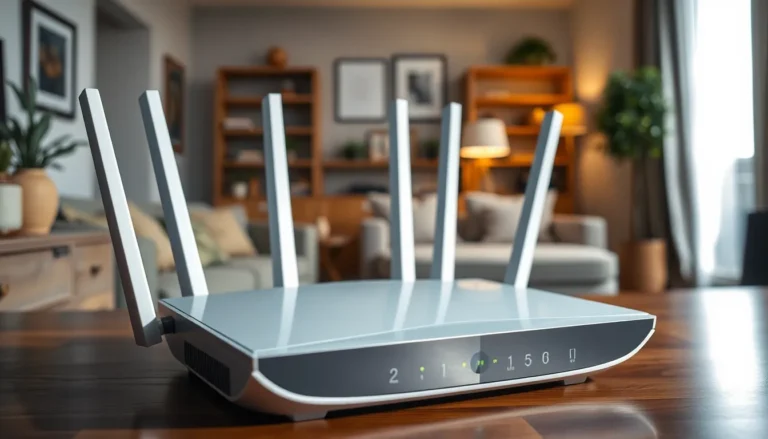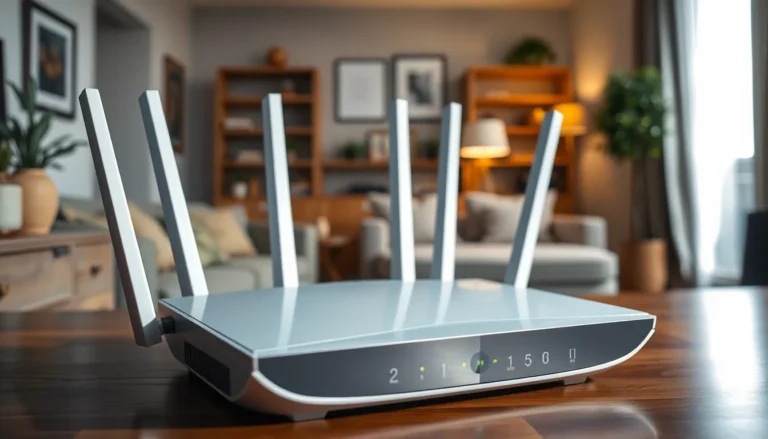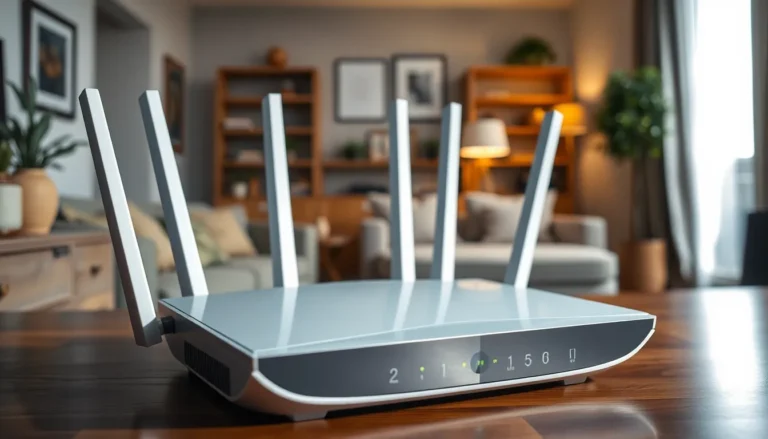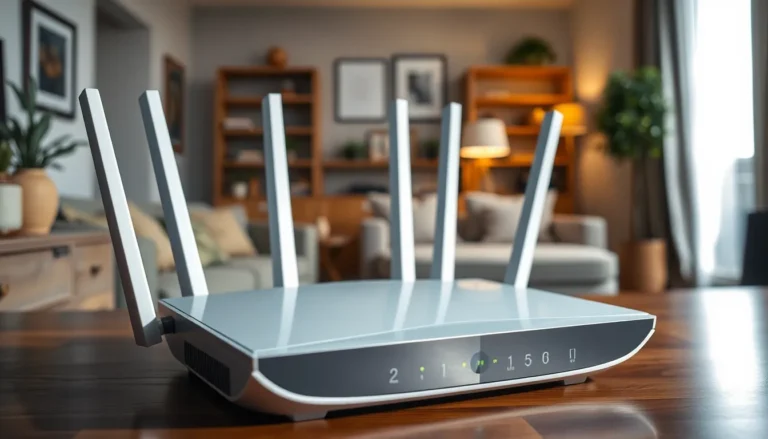

In today’s digital jungle, kids are just a click away from everything—both the good and the downright bizarre. As parents navigate this wild world, router parental controls emerge as the trusty sidekick, ready to save the day. Think of it as a superhero cape for your Wi-Fi, swooping in to protect your little ones from the perils of the internet while still letting them enjoy their favorite cat videos.
What Are Router Parental Controls?
Router parental controls provide parents with essential tools to manage their children’s online experiences. These features enable users to block certain websites, ensuring kids avoid inappropriate content. Customizable settings allow parents to specify which websites kids can access, tailoring the online environment based on individual needs.
Blocking options typically include categories such as adult content, gambling, and violence. Time limits can also be implemented, controlling the duration that children spend online throughout the day. Scheduling tools create an ideal balance, restricting access during homework time or bedtime.
Monitoring capabilities give parents insights into their children’s browsing habits. Detailed reports and activity logs help identify online trends and provide opportunities for discussions about safe internet use. Alerts might notify parents about potentially dangerous sites or searches.
Building a secure online space involves straightforward setup processes in most routers. Parents access the router’s settings through a web interface or a dedicated app. Once logged in, they can easily navigate to the parental controls section to implement desired restrictions.
Compatible devices vary based on router models. Many modern routers offer advanced filtering and scheduling options, enhancing user control. Some routers even integrate with security software for added protection.
Enabling these controls empowers parents to guide their children’s internet usage while fostering healthy online habits. With router parental controls, families can create a safer digital landscape and ensure a mindful online experience.
Importance of Router Parental Controls

Router parental controls are vital for enhancing children’s safety while they navigate the internet. They provide parents with tools to filter content and manage online activities effectively.
Protecting Children Online
Safeguarding kids from harmful content is crucial. Router parental controls allow parents to block specific websites categorized as inappropriate. Filters target categories such as adult content, gambling, and violence, ensuring children encounter safer online environments. Monitoring tools also notify parents about potential dangers, enabling proactive measures. Browsing reports supply valuable insights into children’s online habits, contributing to informed discussions about safe internet practices. Many routers now come with user-friendly interfaces, making setup straightforward, empowering parents to create a protective digital space.
Managing Screen Time
Managing children’s screen time plays a significant role in promoting healthy habits. Router parental controls enable parents to implement time limits on internet usage, helping avoid excessive online activity. Scheduling features allow the restriction of access during specific hours, like homework time or bedtime. Parents can tailor these settings based on individual needs, ensuring a balanced approach to technology use. Regular checks on usage reports help parents evaluate children’s activity, facilitating discussions about appropriate screen time. These measures support healthier lifestyles by encouraging offline interactions and activities.
Key Features of Router Parental Controls
Router parental controls offer a variety of features for managing children’s online experiences effectively. Parents can utilize these tools to enhance safety and encourage responsible usage.
Content Filtering
Content filtering allows parents to block specific websites and categories of content. Adult themes, gambling, and violence are typical categories that parents can restrict. Customizable settings enable tailored filtering based on individual needs. For example, parents might choose to allow educational sites while blocking harmful content. Additionally, many routers offer pre-existing filters that automatically categorize sites, simplifying the process for users. This feature empowers parents to create an online space that aligns with their family’s values and safety concerns.
Time Scheduling
Time scheduling features enable parents to limit internet usage during specific hours. Setting up schedules can help kids focus on homework or enforce bedtime rules. For instance, parents might restrict access on school nights after 8 PM. The scheduling interface usually presents a straightforward approach, allowing adjustments as needed. Pre-programmed schedules also exist, permitting families to activate controls on a regular basis. Custom time frames ensure that parents maintain control over when their children can access devices.
Usage Monitoring
Usage monitoring supports parents in tracking their children’s online activities. Through reports and detailed insights, they can identify what sites kids visit the most. Alerts about potentially harmful content ensure proactive oversight. Some monitoring tools provide statistics that highlight the duration of internet use, helping parents foster balanced habits. Utilizing this data, parents can engage in conversations about internet safety and provide guidance on responsible online behavior. Ultimately, monitoring transforms parental oversight into empowerment for smarter digital choices.
Popular Router Models with Parental Controls
Many router models on the market come equipped with robust parental control features. Devices like the Netgear Nighthawk, Asus RT-AX88U, and TP-Link Archer AX50 provide substantial tools for managing children’s internet access effectively.
Features Comparison
Comparing features across popular routers shows key differences. Netgear Nighthawk offers detailed internet usage reports and customizable profiles, catering to individual needs. Asus RT-AX88U includes advanced filtering options and screen time management tools to help regulate children’s online activities. TP-Link Archer AX50 stands out with its easy-to-use app interface, enabling quick adjustments to settings and notifications about potential threats. Each model excels in specific areas, allowing parents to choose based on their family’s unique requirements.
User Ratings
Router user ratings reflect their effectiveness in providing parental controls. Netgear Nighthawk consistently receives high ratings, praised for its comprehensive monitoring and ease of setup. Asus RT-AX88U also garners positive feedback due to its powerful performance and dependable security features. TP-Link Archer AX50 is favored for its intuitive app and straightforward controls, appealing to parents less experienced with technology. These ratings emphasize the importance of selecting a router that meets families’ security and usability needs.
Router parental controls are essential for parents aiming to create a safer online environment for their children. By utilizing these tools, families can effectively manage internet access and protect kids from inappropriate content. The ability to filter websites set time limits and monitor usage empowers parents to foster healthy online habits.
Choosing the right router with robust parental controls can make a significant difference. With options like the Netgear Nighthawk Asus RT-AX88U and TP-Link Archer AX50 parents can find features that suit their families’ needs. Embracing these technologies not only enhances children’s safety but also encourages open discussions about responsible internet use. Prioritizing digital safety ensures kids can enjoy the vast resources of the internet while staying protected.