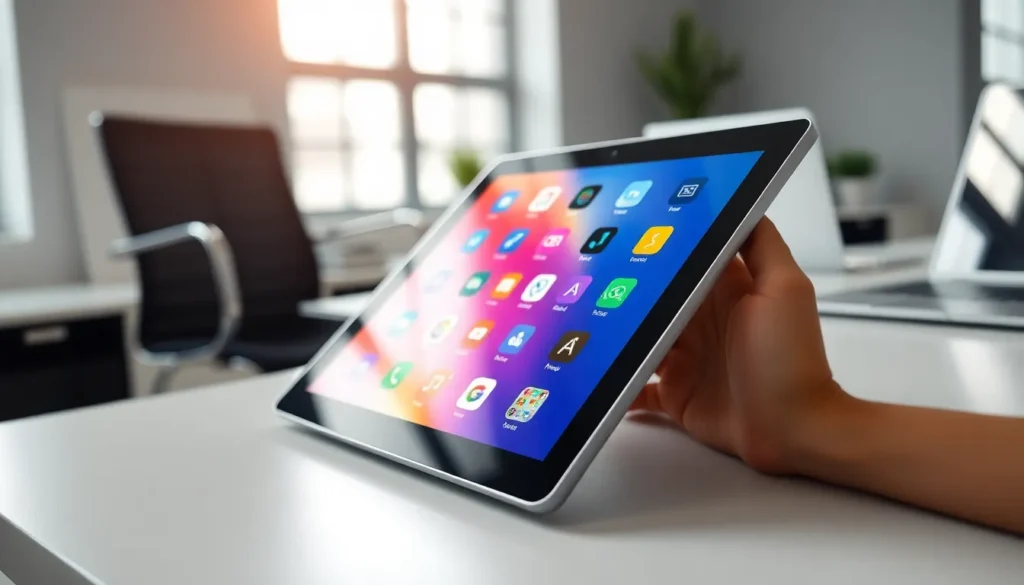
In a world where smartphones are practically glued to our hands, tablets are the unsung heroes of tech. They sit comfortably between the smartphone and the laptop, offering a delightful blend of portability and power. But what really makes a tablet tick? Enter the realm of Tablet OS—the software that transforms a simple slab of glass into a productivity powerhouse or a portable entertainment hub.
Imagine flipping through your favorite shows, sketching your next masterpiece, or tackling that spreadsheet—all with a few taps. Tablet OS isn’t just about functionality; it’s about making life easier and more enjoyable. With various options available, each boasting its own quirks and features, choosing the right one can feel like picking a favorite child. But fear not! This guide will break it down, helping anyone find the perfect match for their digital lifestyle.
Overview of Tablet OS
Tablet operating systems, commonly referred to as Tablet OS, play a crucial role in determining the overall user experience on tablets. These systems operate between mobile and desktop environments, creating unique functionalities tailored for touch interfaces. Android, iOS, and Windows represent major players in the Tablet OS market, each bringing distinct features and user experiences.
Android, an open-source OS, provides extensive customization options and compatibility with numerous applications. Its flexibility allows manufacturers to implement unique designs and functionalities, appealing to diverse user preferences. Numerous tablets run on Android, making it the most widely used operating system.
iOS, developed specifically for Apple’s tablets, offers a seamless integration with the Apple ecosystem. This OS emphasizes user-friendliness, stability, and optimized performance. The App Store hosts a vast array of applications tailored to leverage iOS’s capabilities, enriching the user experience.
Windows offers a versatile environment by combining traditional desktop features with touchscreen capabilities. This OS excels in providing a familiar interface for users transitioning from laptops or desktops. Many productivity applications and tools find their best form on Windows tablets.
Considering the variety of features each Tablet OS provides is essential for users aiming to maximize their device’s potential. Compatibility with applications, performance under multitasking scenarios, and user interface design are significant factors in this evaluation. Users should assess their specific needs and preferences before selecting a tablet, ensuring that the chosen Tablet OS aligns with their intended usage. The right choice will enhance productivity and entertainment, ultimately improving overall satisfaction.
Key Features of Tablet OS
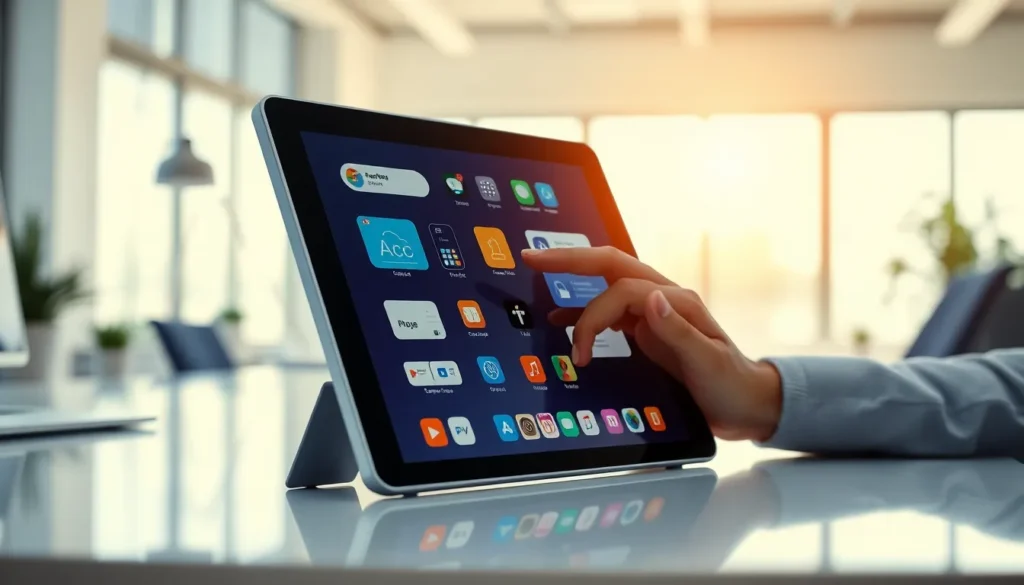
Each Tablet OS offers unique attributes that shape user experiences. Understanding these features aids in selecting the most suitable option.
User Interface Design
User interface design plays a crucial role in the overall performance of Tablet OS. Android provides extensive customization options, allowing users to alter layouts and themes according to preferences. iOS boasts a clean, intuitive layout that emphasizes ease of navigation, making it accessible for all ages. Windows incorporates familiar desktop elements, easing the transition for users accustomed to traditional computers. Each design aims to enhance usability and enhance functionality, ensuring that users can efficiently navigate and execute tasks.
Multitasking Capabilities
Multitasking capabilities significantly affect productivity on a tablet. Android supports split-screen functionality, enabling users to run two applications simultaneously for better efficiency. iOS excels in managing multiple apps, allowing users to switch between tasks seamlessly with its App Switcher feature. Windows integrates a taskbar similar to traditional desktops, facilitating easier access to open applications and tools. These multitasking features ensure that users can maximize their productivity and streamline their workflow across diverse tasks.
Popular Tablet OS Options
Several tablet OS options cater to diverse user preferences, each providing unique features and benefits.
Apple iPadOS
Apple’s iPadOS is tailored for iPads, delivering an intuitive interface that emphasizes user-friendliness. Focused on a seamless integration with other Apple devices, it allows users to switch between tasks effortlessly, thanks to advanced multitasking features like Split View and Slide Over. The App Store hosts a vast selection of optimized applications, ensuring peak performance for productivity and entertainment. Regular updates provide security enhancements and new functionalities, keeping user experience fresh and efficient. Moreover, its support for the Apple Pencil enhances creative pursuits, making it a top choice for artists and designers.
Google Android
Google Android stands out for its adaptability and extensive customization options. With an open-source nature, this OS supports a wide range of devices from various manufacturers. Users can personalize home screens, choose default applications, and install third-party apps beyond the Google Play Store, making it versatile. Multitasking capabilities, such as split-screen functionality, enable executing multiple tasks simultaneously. A rich ecosystem of applications caters to various needs, whether for gaming, productivity, or media consumption. Frequent updates enhance security and features, ensuring Android remains a competitive option.
Microsoft Windows Tablet
Microsoft’s Windows Tablet OS provides a familiar desktop environment seamlessly integrated with touchscreen capabilities. It caters to users transitioning from laptops, as its interface features a taskbar and desktop icons. Compatibility with traditional desktop applications remains a significant advantage, allowing for a wide range of productivity tools. Multitasking options, including Snap Assist, let users manage multiple windows efficiently. Regular updates enhance functionality and security, keeping the experience fresh. Businesses often prefer this OS for its robust features, making it ideal for professional use.
Comparison of Tablet OS
Evaluating the differences among Tablet OS options reveals unique strengths and weaknesses in performance and app ecosystems.
Performance Metrics
Android excels in customization, offering various settings to optimize device performance. iOS achieves efficient resource management, leading to smoother user experiences during multitasking. Windows caters to users familiar with desktop environments, providing responsive performance for productivity tasks. Benchmarks frequently favor iOS for speed and fluidity in web browsing and application loading times. In contrast, Android often shows varied performance due to the wide range of hardware it supports. Windows stands out in productivity applications, particularly for business-related tasks.
App Ecosystem
The app ecosystem significantly impacts user experience across Tablet OS platforms. iOS boasts a curated selection of high-quality applications, focusing on design and functionality tailored for Apple devices. Meanwhile, Android offers an extensive range of apps through Google Play, attracting developers with its open nature. Windows features many productivity-focused apps, appealing to users transitioning from traditional desktops. Cross-platform apps proliferate, allowing smoother transitions between devices. Apple’s App Store generally maintains stricter quality control, ensuring a consistent experience. In contrast, Android’s flexibility provides variety, accommodating diverse user needs and preferences.
Future Trends in Tablet OS
Tablet OS is evolving rapidly, influenced by user demands and technological advancements. Increased integration of artificial intelligence enhances personalization and performance, making devices smarter. Enhanced multitasking capabilities will likely feature prominently, allowing users to manage multiple applications effectively.
User interface design will prioritize intuitive experiences. Expect more voice control and gesture-based navigation, offering convenience and accessibility. Privacy and security concerns will shape future updates, as developers focus on protecting user data amid growing threats.
Cross-platform functionalities will become vital. Users may increasingly seek seamless experiences across tablets and other devices. Expect improvements in cloud integration, allowing smoother access to applications and data regardless of device.
Moreover, eco-friendly practices mean manufacturers will concentrate on sustainable materials and energy-efficient technology. Performance optimizations will likely extend battery life, pushing boundaries for longer usage without interruptions.
Emphasis on gaming will rise, as tablets gain popularity in the gaming community. Enhanced graphics capabilities and support for high-refresh-rate displays will provide immersive experiences. Partnerships between developers and hardware manufacturers may drive innovations, resulting in a more robust gaming environment.
Lastly, the rise of 5G will reshape the Tablet OS landscape. High-speed connectivity will empower applications and services that rely on real-time data. As these trends evolve, Tablet OS will adapt, ensuring they remain relevant in an increasingly digital world.
Choosing the right Tablet OS is crucial for maximizing the tablet experience. Each operating system offers distinct advantages tailored to different user needs. Whether it’s the customization of Android the seamless integration of iOS or the familiar desktop environment of Windows each option enhances productivity and entertainment in unique ways.
As technology continues to evolve trends such as AI integration improved multitasking and enhanced security will shape future Tablet OS developments. Users should stay informed about these advancements to ensure they select a platform that not only meets their current needs but also adapts to future demands. Embracing the right Tablet OS will ultimately lead to a more enriching and efficient digital lifestyle.